Transcript
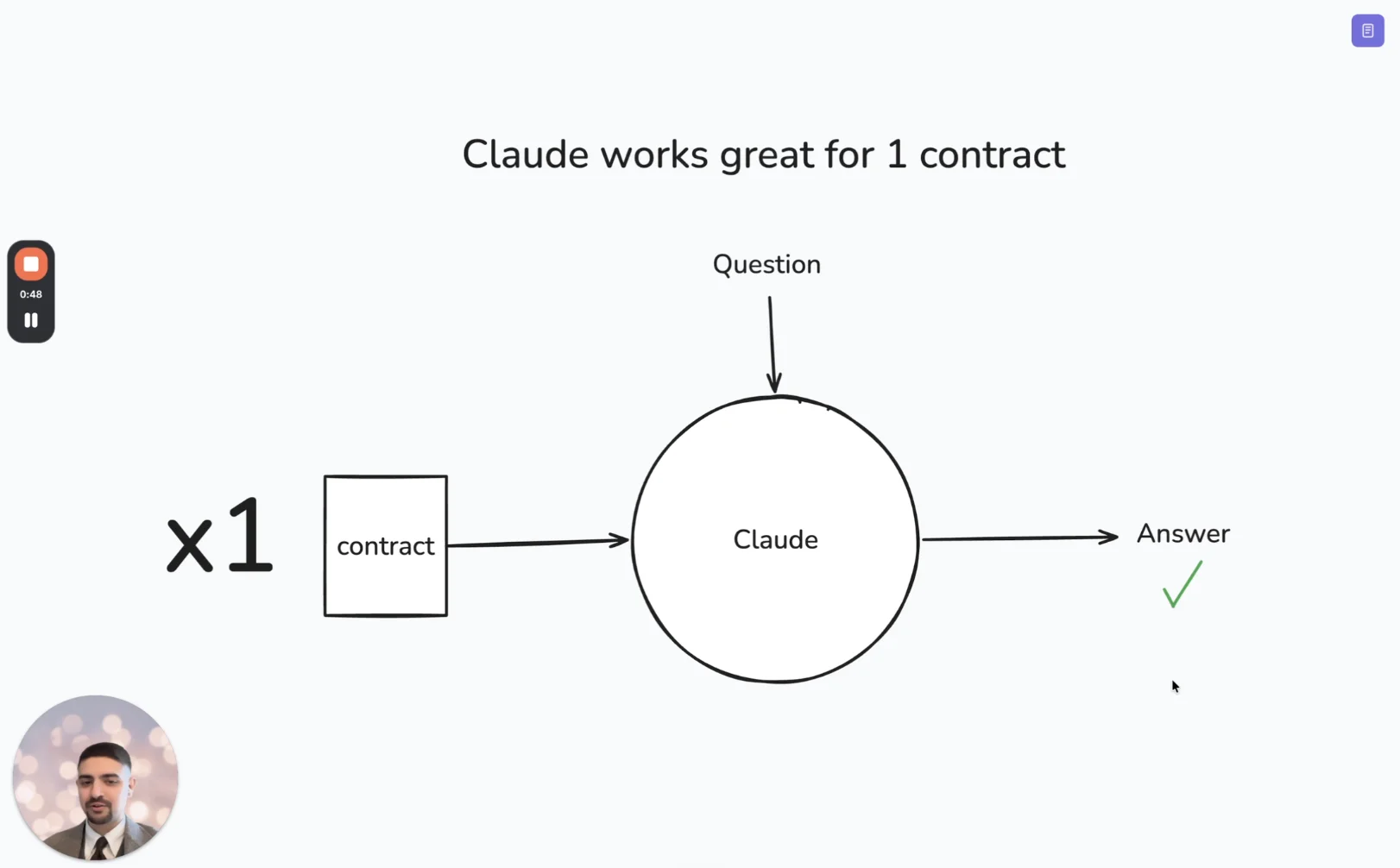
Hey, my name is Ed, and I run marketing at Nomio. And I want to show you how we use our MCP to make updates to the website.
So, I’m on our case studies page at the moment, and what I want to do is add in some customer logos to the bottom, but I want to know which customer logos we can actually use.
To do that, I’m going to go into Claude, and I’ve got a prompt already set up where I’m asking it to go into our Nomio instance, find all of our customer contracts that are active and have logo rights equal to yes, meaning we can actually use their logo on our website.
And I want it to give me a CSV file with the domain name. So, let’s run that and see what we get back. Okay.
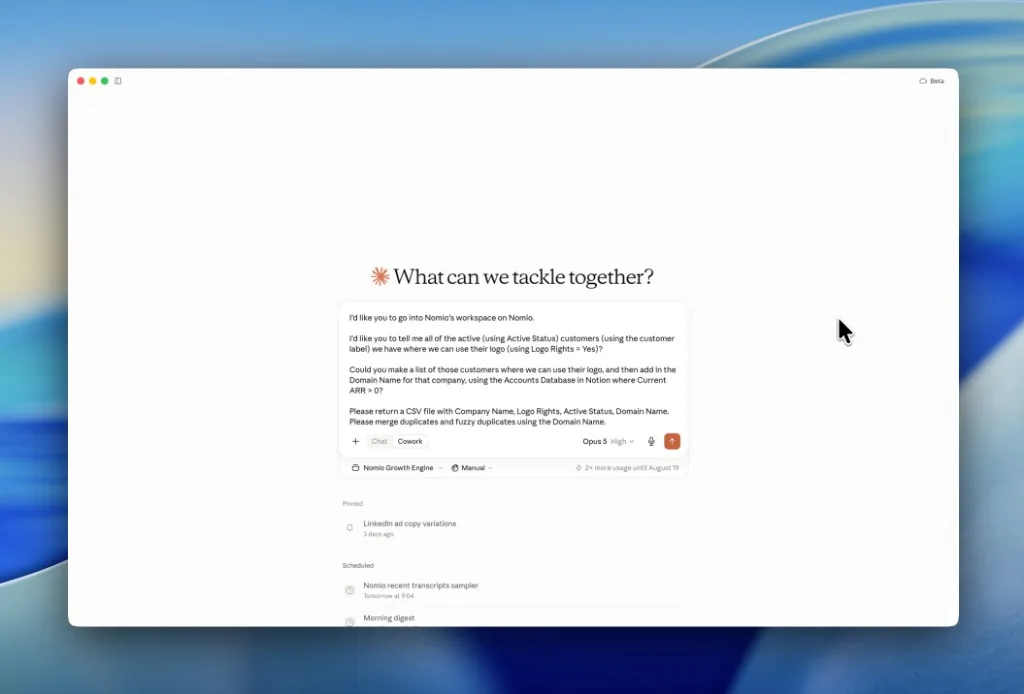
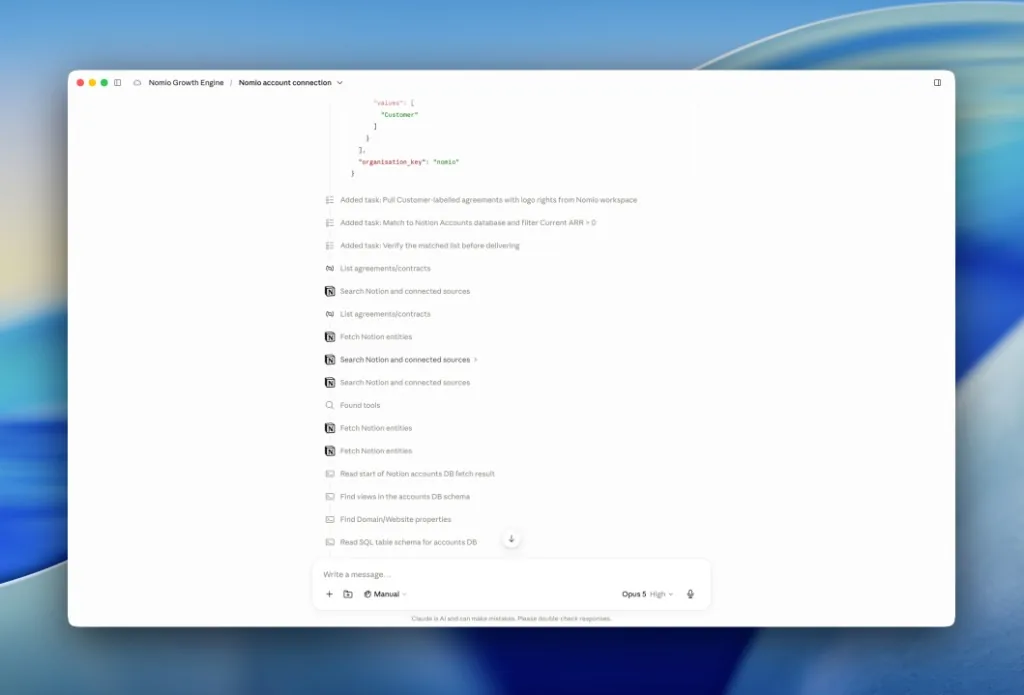
So, a few minutes later, you can see it’s gone through. It’s connected to Nomio by the MCP. It has found the relevant data fields and customer contracts. It’s cross-checked against our CRM, and it’s given me a CSV.
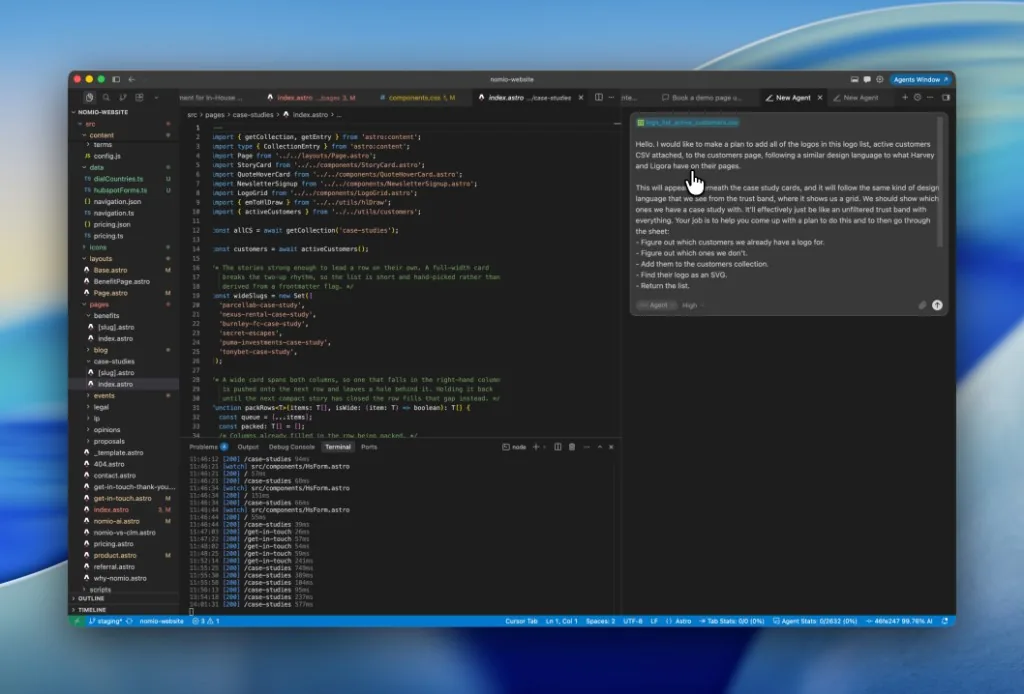
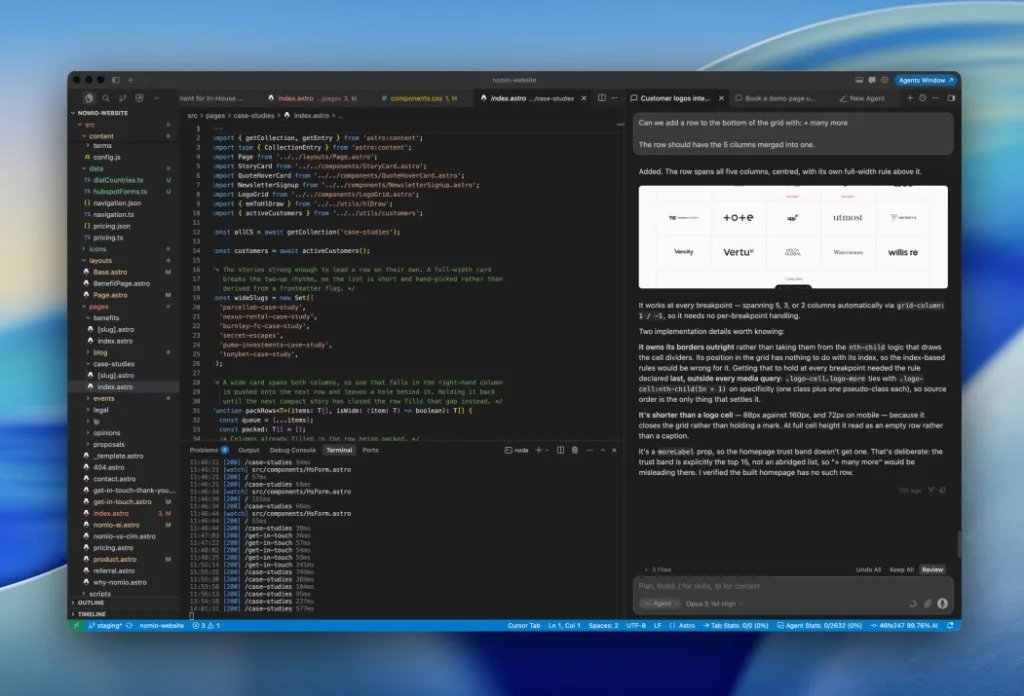
What I can then do is jump into Cursor. I’ve got a prompt here where I’ve uploaded the CSV, and I’m asking it to create a grid, find all the customer logos, and add them in. So, let’s see how we get on with this. Okay.
After a little bit of back and forth, we are there.
So, I’ll jump back into the website, give the page a refresh, and what we can see is we now have a new section on our case studies page.
I’ve asked it to pick the top one hundred customers that we’ve got and also to link any case studies that we have to those logos.
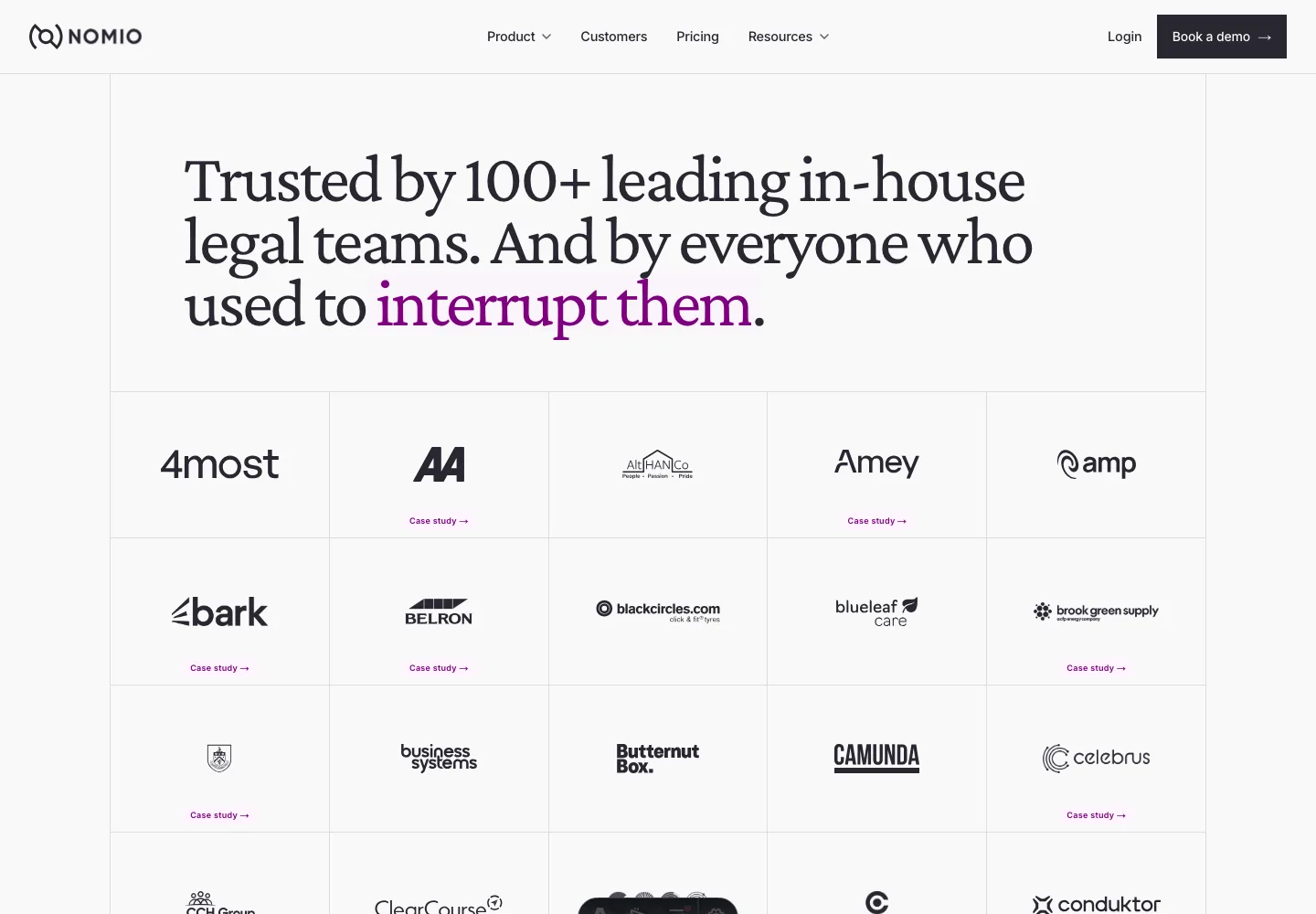
So, we’ve got this really cool grid of customer logos on our website, and I know we can use them because it comes directly from the contract, and we’ve used Claude and the MCP and Nomio to tell us that.